
- June 11, 2026
- kbsarkar
- 0 Comments
- tech
The Complete Guide of SIPW Interactive Flat Panels
SIPW Interactive Flat Panels: The Complete Guide for Schools, Universities, Training Centers, and Corporate Meeting Rooms in Pakistan
By Omar Kalia
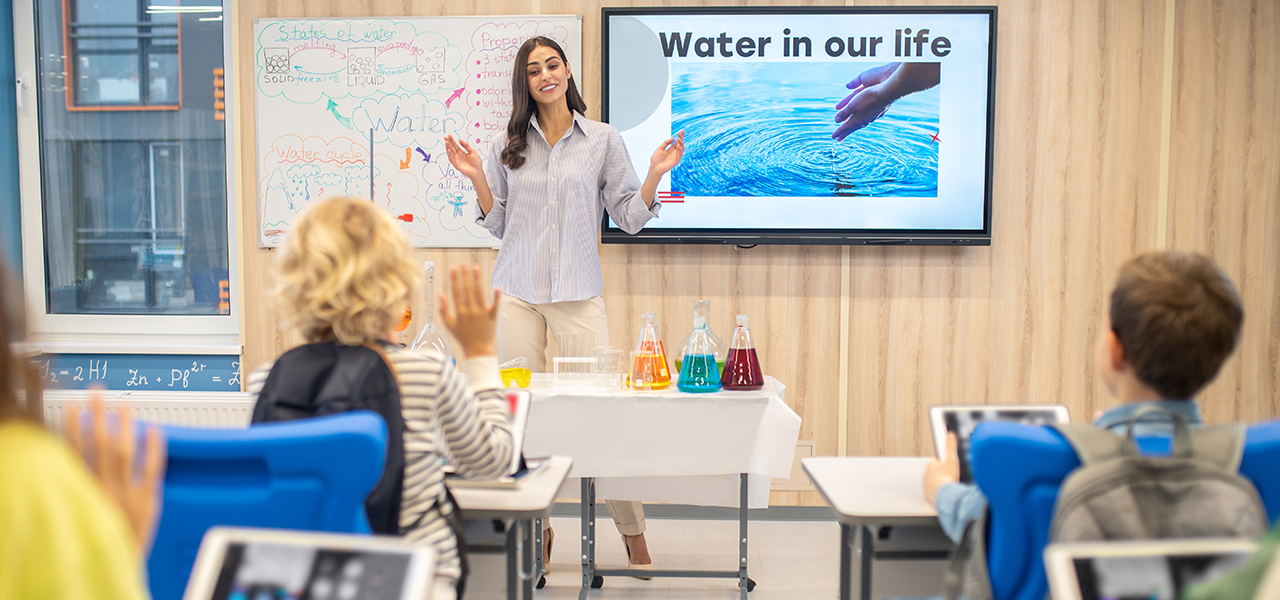
What is an Interactive Flat Panel?
- Traditional whiteboards
- Projectors
- Projector screens
- Separate conferencing equipment
- External annotation systems
- Write directly on the screen
- Present wirelessly
- Conduct video meetings
- Annotate documents
- Collaborate in real time
- Record lessons and presentations
- Integrate with cloud platforms
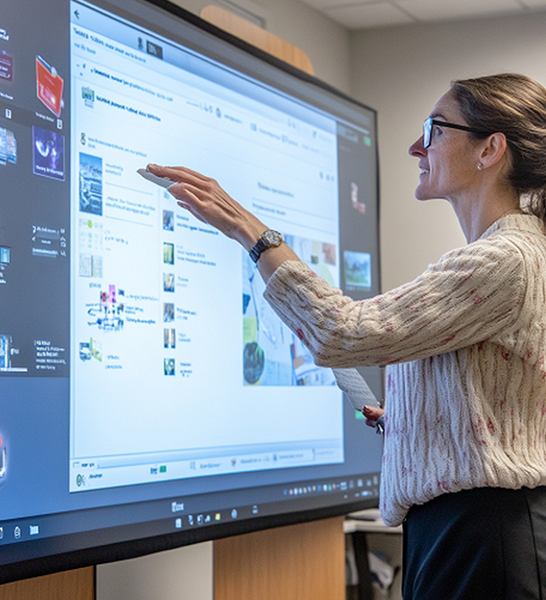
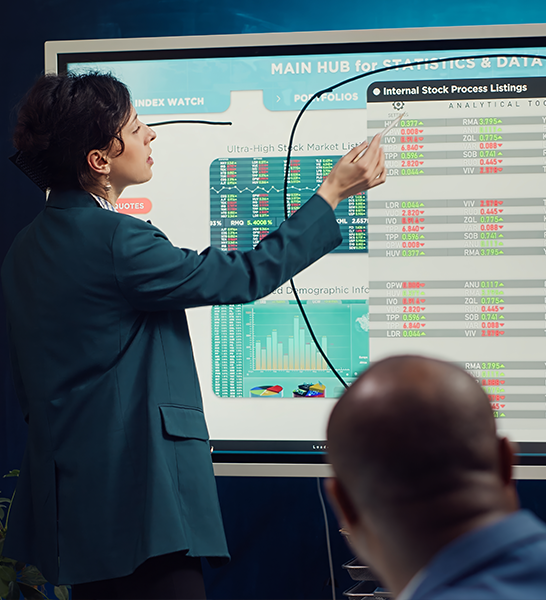
Why Organizations Are Moving Away from Projectors
- Lamp replacements
- Darkened rooms required
- Faded colors over time
- Alignment issues
- Shadows during presentations
- Limited touch functionality
- Higher maintenance costs
- True 4K UHD display
- No lamp replacement
- Bright image in daylight
- Multi-touch interaction
- Built-in Android operating system
- Wireless collaboration
- Integrated AI conferencing
- Lower total cost of ownership
SIPW Interactive Flat Panel Specifications
Display Sizes
- 65"
- 75"
- 86"
- 98"
Display Performance
Premium Tempered Glass
- Anti-Glare technology
- Anti-Reflective surface
- 7H hardness protection
- 4mm tempered glass
Advanced AI Camera and Audio System
65", 75" & 86" Models
- 48MP AI Camera
- AI Voice Tracking
- Intelligent presenter framing
- 8-array microphone system
- Voice pickup up to 12 meters
- AI noise reduction
98" Flagship Model
- 64MP AI Voice Tracking Camera
- 8-array microphone system
- NFC Login
- Fingerprint Authentication
- PM2.5 Air Quality Sensor
Built-in Android 14 & Android 15
- Android 14
- 8GB RAM
- 128GB Storage
- Android 15
- 16GB RAM
- 256GB Storage
- RK3588 Processor
OPS Windows Computer Option
- Intel Core i7
- 12th Generation or newer
- 16GB RAM
- 512GB SSD
- Windows 11 Pro
- Intel Core i7
- 16GB RAM
- 1TB SSD
- Windows 11 Pro
Best-in-Class Writing Experience
- Palm Rejection
- Multi-touch support
- Gesture controls
- Smart handwriting recognition
- Stylus support
- Magnetic pens included
- 20 Touch Points on Android
- 20 Touch Points on Windows
Wireless Screen Sharing Made Easy
- EShare Pro
- Multi-user screen sharing
- Mobile device connectivity
- Windows support
- Android support
- macOS support
- HDMI Projection
- USB Type-C Projection
- Up to 4K transmission
Google EDLA Certified Experience
- Google Classroom compatibility
- Google Drive access
- Google Meet support
- Google Play Store access
- Enhanced security
Built for Education
- Interactive lessons
- Digital whiteboarding
- Student engagement
- Multimedia learning
- Hybrid classrooms
- Lecture recording
- Collaborative projects
- Research presentations
- Seminar halls
- Distance learning
- Certification programs
- Technical workshops
- Professional development
Built for Corporate Environments
- Video conferencing
- Team collaboration
- Strategy workshops
- Executive presentations
- Digital brainstorming
- Hybrid meetings
Remote Device Management
- Monitor devices remotely
- Manage updates
- Configure settings
- Track device status
Built for Corporate Environments
- Video conferencing
- Team collaboration
- Strategy workshops
- Executive presentations
- Digital brainstorming
- Hybrid meetings
Remote Device Management
- Monitor devices remotely
- Manage updates
- Configure settings
- Track device status
Reliability That Matters
- 50,000-hour LED life
- Enterprise-grade hardware
- Lifetime software updates
- Lifetime software upgrades
- 3-Year Manufacturer Warranty

Frequently Asked Questions (FAQ)
65"
Best for:
Small classrooms ,Huddle rooms, Small meeting rooms
75"
Best for:
Medium classrooms, Training rooms
86"
Best for:
Large classrooms, University lecture rooms, Corporate boardrooms
98"
Best for:
Auditoriums, Executive boardrooms, Large training centers
Yes.
In most classrooms and meeting rooms, a SIPW Interactive Flat Panel completely replaces:
- Projector
- Projection screen
- Whiteboard
- Annotation system
while providing superior image quality and interactivity.
Yes.
Through the included OPS PC, users can run:
- Windows 11 Pro
- Microsoft Office
- Teams
- Zoom
- ERP systems
- Specialized software
Yes.
SIPW supports up to 20 touch points, allowing collaborative interaction.
Organizations today need more than just a display.
They need:
- AI-powered communication
- Hybrid collaboration
- Seamless wireless sharing
- Enterprise security
- Long-term reliability
- Future-ready software
SIPW Interactive Flat Panels combine all these capabilities into a single integrated platform, helping educational institutions and businesses create smarter classrooms, more productive meetings, and more engaging learning experiences.